
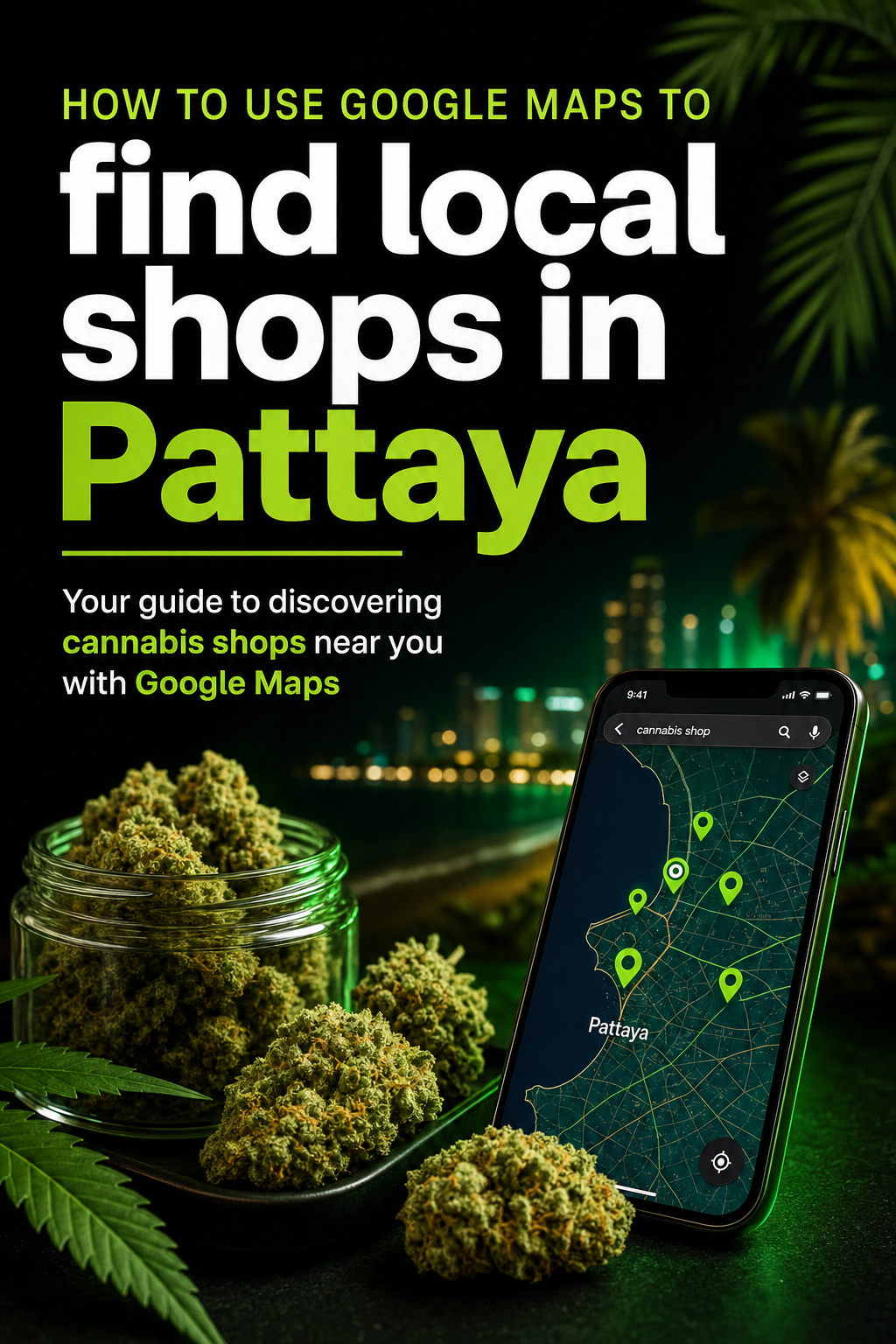
Finding local shops in Pattaya has never been easier, thanks to the convenience of Google Maps. Whether you’re a tourist or a resident, navigating this bustling city is a breeze with this powerful tool. In this article, we’ll explore how you can use Google Maps to find local shops in Pattaya, including the popular Herb Club Pattaya, located in Central Pattaya.
Why Use Google Maps in Pattaya?
Google Maps is an essential tool for anyone looking to explore Pattaya. This vibrant city is filled with a variety of shops, restaurants, and attractions, and Google Maps can help you find exactly what you’re looking for. Here are a few reasons why Google Maps is your best friend in Pattaya:
- Real-Time Navigation: Google Maps provides real-time navigation, ensuring you reach your destination efficiently.
- Comprehensive Listings: With detailed listings, you can find local shops, read reviews, and check opening hours.
- Street View: Get a visual sense of your destination with Street View, making it easier to recognize shops and landmarks.
- Updates and Alerts: Stay informed about traffic conditions, road closures, and more.
How to Use Google Maps to Find Local Shops
Step 1: Open Google Maps
First, open the Google Maps app on your smartphone or visit the website on your computer. Ensure your location services are enabled for accurate results.
Step 2: Search for Local Shops
In the search bar, type “local shops Pattaya” or specify the type of shop you’re interested in, such as “clothing stores Pattaya” or “cafés in Central Pattaya.” Google Maps will display a list of relevant businesses.
Step 3: Explore the Listings
Click on any shop from the list to view more details. You can find information such as the shop’s address, phone number, opening hours, and customer reviews. For instance, if you’re interested in visiting Herb Club Pattaya, you can find it located on Soi Pattaya 13/2, open 24 hours every day.
Step 4: Use Directions
Once you’ve selected a shop, click on the “Directions” button to get step-by-step navigation. While Google Maps provides a route, it’s always wise to verify the path on a live map for any changes or updates. If you’re heading to Herb Club Pattaya, you can also check their directions page for more guidance.
Tips for Navigating Pattaya with Google Maps
- Check Reviews: Before visiting a shop, read customer reviews for insights into the quality and service.
- Save Locations: Use the “Save” feature to bookmark your favorite shops for easy access later.
- Explore Nearby: Use the “Explore” feature to discover other attractions, restaurants, or shops near your current location.
- Language Settings: Adjust your language settings in Google Maps if you’re more comfortable with a language other than English.
Discovering Herb Club Pattaya
If you’re interested in exploring a unique local shop, Herb Club Pattaya is worth a visit. Known for its welcoming atmosphere, it offers a range of amenities such as a PS5 gaming room, relaxation area, and multilingual staff. Whether you’re looking to unwind or explore, Herb Club Pattaya provides a distinctive experience in Central Pattaya.
Conclusion
Google Maps is an invaluable tool for anyone looking to find local shops in Pattaya. With its comprehensive features and user-friendly interface, you can easily navigate the city and discover everything it has to offer. Whether you’re planning to visit Herb Club Pattaya or explore other local businesses, Google Maps ensures you have all the information you need at your fingertips. So next time you’re in Pattaya, make sure to leverage Google Maps for a seamless and enjoyable shopping experience.
Explore Herb Club Pattaya
Explore our space, location, directions and visitor information.